

Online PartS Database Training course
$350.00
Course schedule: 8:30 am through 12:00pm EST
Online via Microsoft Teams meeting, live, instructor lead.
*Should you not find a course available on this page, please email pablo.malaver@salvagnini.com for next available dates.
Description
Course Length: 3.5 hours
PartS:Programing and Administration Functions
Introduction to PartS
1.1 Definition of all Applications in PartS
• Materials
• Machines
• Streams
• Categories
• Parts
• Nests
• Batch
• Kits
• Administration
• Help
• Settings
• Change Log
1.2 Definition of Sub-components in Graphic Interface
• Taskbar
• Client Applications
• Server Applications
• STREAM Applications
2. Setup Applications
2.1 Materials Application
• Correlation between
DBMat and Materials
• Demonstrate Creating a
Material
• Define Nodes
(materials)
• Define Sheets
• Define Formats
2.2 Machines Application
• Define Machine folders
• Demonstrate adding a
machine
• Know what machines
are recognized
2.3 Streams
• Define Streams
• Define Stages
• Demonstrate
creating a Stream
2.4 Categories
• Define Categories
• Define Fields
• Demonstrate
creating a Category
3. Elaborating Applications
3.1 Parts
• Understand Search Filters
• Locate Search Results
• Locate Actions
• Connect Machinings
• Establish Streams
• Demonstrate Elaboration
3.2 Nests
• Create a new nest
• Select Machining
• Select Elaborated Parts
• Select Formats
• Save Nests from Steam Application
3.3 Batch
• Add multiple parts
• Change Material and
Thickness
• Selecting a Stream
• Add an assembly
• Saving Parts
3.4 Kits
• Difference between a
Kit and a nest
• Add parts to a Kit
• Create a nest for the
kit
• Editing the Parts and
Nest of a Kit
4. Administration and Support Applications
4.1 Administration Application
• Define Administration
component of PartS
• Add and Edit Machines
• Understanding
Machining
Components
• Add and edit Roles
• Create and Disable
User
• Finding Backups
• Set Backups
• Settings in
Administration
• Import Press Tools
• Recycle Bin
4.2 Settings Application
• 2 locations to access
• Server Settings
• Integration of external
applications
• Local Files Settings
• Where to do find details of
settings
4.3 Help Application
• Access User Guide PDF
• Navigate Help Tree
• Locate how to videos
• Locate break down of
settings
4.4 Change Log Application
• Where to find
• How to read
5. Additional Information
5.1 ValueS (if applicable)
• Where to add cost of a
sheet
• How to access ValueS
Event Details
Start time: 08:30 a.m. EDT
End time: 12:00 p.m. EDT
Venue: Salvagnini America Campus
Directions: 27 Bicentennial Court, Hamilton, OH 45015
Email: Pablo.Malaver@salvagnini.com
Related products
-
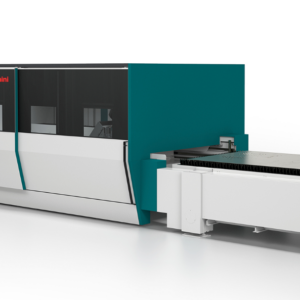
Onsite LASER Operator Training plus Cutting Parameters
$4,298.00 Book Seats Now -
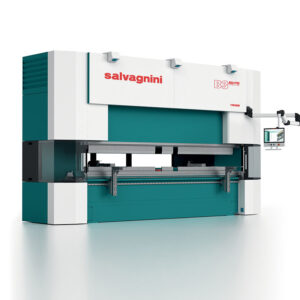
STREAMFORMER: Press Brake Programming
$2,700.00 Book Seats Now -
Technical Troubleshooting Training (System specific) in Salvagnini America
$2,700.00 Book Seats Now -
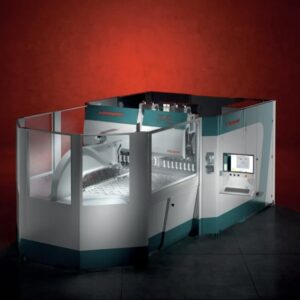
Advanced Panel Bender Programming
$3,000.00 Book Seats Now